Unleashing Creativity with Paper Cut Outs Font
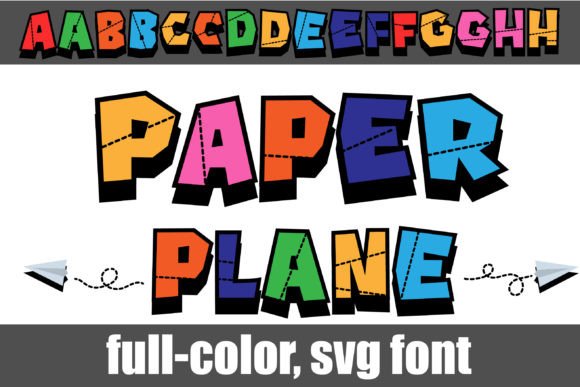
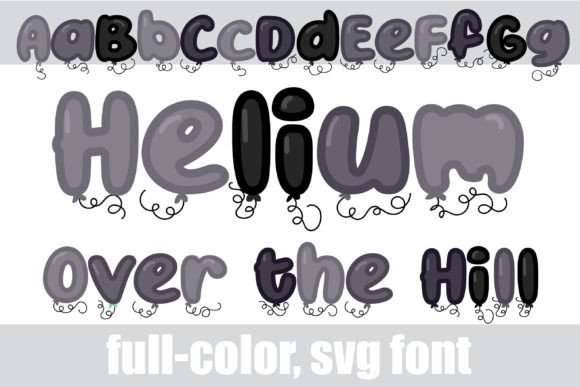
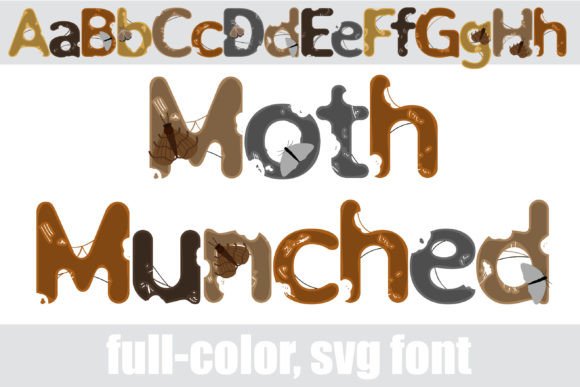
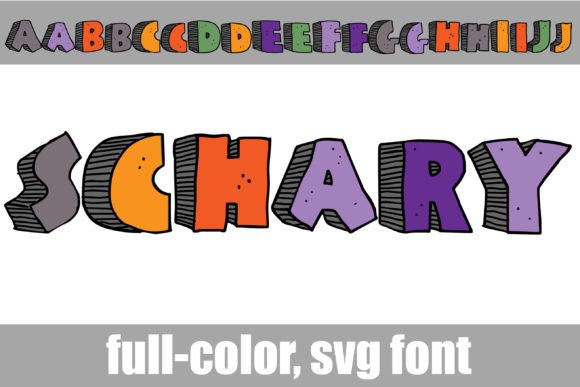
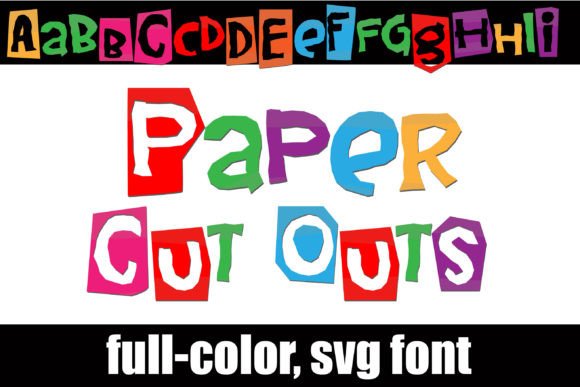
Imagine transforming your digital designs with the charming, tactile feel of children's construction paper. The Paper Cut Outs font achieves exactly that, offering a full-color typeface where each letter appears hand-cut from vibrant, textured paper. This unique OpenType full-color (SVG) font is not just a novelty; it’s a powerful creative asset for designers seeking to inject personality and warmth into their projects.
What Makes Paper Cut Outs a Modern Design Asset?
In a digital landscape often dominated by sleek minimalism, Paper Cut Outs provides a refreshing, human-centric aesthetic. Its value lies in its ability to instantly evoke nostalgia, playfulness, and approachability. For graphic designers and brand strategists, this font is a tool for creating immediate emotional connections. It strengthens brand identity by offering a distinct visual voice that stands out in crowded markets, particularly for brands targeting family, education, craft, or artisanal audiences.
The font's technical construction as a full-color SVG means the colors are embedded within the glyph itself, ensuring consistent vibrancy across compatible applications. An alt version of each letter in a different color, accessible via your system character map, provides instant versatility for creating dynamic, multi-hued text compositions without changing fonts.
Practical Applications for Impactful Visual Communication
The playful yet professional nature of Paper Cut Outs makes it surprisingly versatile. Its application can elevate numerous creative projects:
- Branding & Logo Design: Craft logos and wordmarks for children's brands, bakeries, craft stores, or creative agencies that need a friendly, hands-on feel.
- Marketing & Social Media Graphics: Create eye-catching headlines for flyers, posters, Instagram stories, and Facebook ads that demand attention and convey fun.
- Packaging & Merchandise: Design labels for products, shopping bags, or merchandise where a tactile, handmade appearance adds perceived value.
- Editorial & Web Design: Use for drop caps, pull quotes, or section headers in magazines, blogs, or website banners to break visual monotony and guide the reader's eye.
Integrating Specialty Fonts into Your Design Workflow
To use Paper Cut Outs effectively, consider its role within your broader design system. Install it like any standard .otf font via FontBook on Mac or your preferred font manager on Windows. Remember, its full-color glory only displays in compatible programs like Adobe Creative Suite, Silhouette Studio, Quark, and Inkscape. In unsupported software, it will render in a solid black silhouette, which can still be a stylish option.
When selecting and applying such a distinctive typeface, keep these professional principles in mind:
- Purpose and Audience: Ensure the playful paper-cut style aligns with your project's message and target demographic. It may not suit a formal corporate report but is perfect for a children's workshop poster.
- Visual Hierarchy and Readability: Use it for headlines or short phrases where its unique texture shines. Pair it with a clean, simple sans-serif or serif font for body text to maintain readability and balance.
- Color and Composition: Leverage the built-in color alternates to create harmonious or contrasting palettes. Ensure the chosen colors complement your overall brand palette and don't clash with background imagery.
- Scalability and Consistency: As a vector-based SVG font, it scales perfectly for large prints or small digital icons. Use it consistently across touchpoints to build recognition, applying it to the same design elements (e.g., all primary headings) for cohesion.
Ultimately, the choice of typography is a fundamental pillar of visual design, directly impacting user experience and brand perception. Resources like Paper Cut Outs